
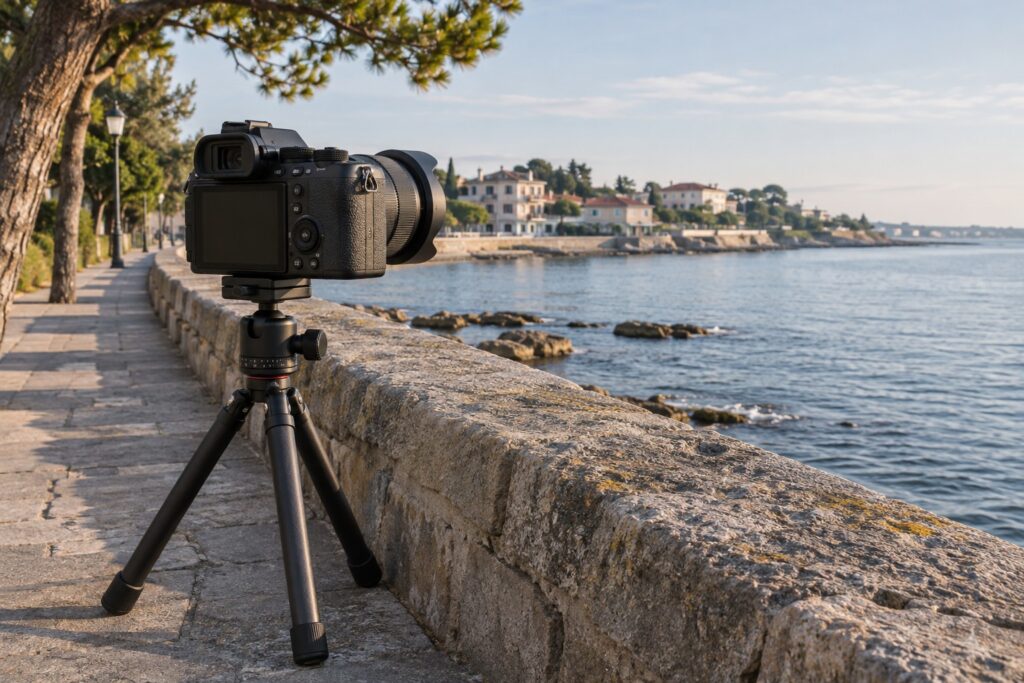
A foreground stone needs texture, the buildings beyond it need definition, and the leaves between them are moving. Closing the aperture further seems like the obvious way to make everything sharper. Yet the next photograph may show softer stonework—or blurred leaves—even though more of the scene falls within the depth of field.
Stopping down, which means selecting a smaller aperture and a higher f-number, changes several things together. It can increase the range of acceptable focus, introduce more noticeable diffraction softness, and demand a different shutter speed or ISO to maintain brightness.
The useful choice is the aperture that preserves the detail your photograph needs, under the conditions in front of you.
More depth of field is not the same as more detail
Depth of field describes the range of distances that appears acceptably sharp. It does not promise equal sharpness from the nearest object to the horizon. With other conditions unchanged, a smaller aperture increases that range; focus distance and subject distance also matter, as explained in Canon’s depth-of-field guide.
Imagine photographing a lane with a nearby stone wall and buildings farther away. At a wider aperture, the wall might be clear while the buildings look noticeably out of focus. Stopping down can make those buildings more readable. That is a useful improvement even if the finest texture at the focus distance does not improve.
But once the important distances already look sufficiently clear, another reduction in aperture may add little useful depth. You are then accepting its other consequences without necessarily gaining anything the photograph needs.
Start by deciding which elements must hold detail. A distant background may only need recognizable shapes; a foreground carving may depend on precise edges. Treating both as equally demanding can push you toward an unnecessarily small aperture.
Diffraction can soften detail that is already in focus
At a small opening, the wave behavior of light spreads the image of a point rather than rendering it as a perfectly confined point. As the aperture becomes smaller, this diffraction effect can make fine detail less distinct. Refocusing does not remove it.
Nikon’s sharpness guidance explicitly notes that high f-numbers can reduce resolution and sharpness through diffraction even when the subject is in focus. This explains the apparently contradictory result: more distances look acceptably focused, but delicate texture looks less crisp.
Think of roof tiles across a hillside. A smaller aperture might help both nearby and distant roofs remain readable while making the finest tile edges less distinct. Whether that trade-off works depends on what the image is meant to show.
There is no useful universal instruction to avoid one particular f-number. Compare the actual photographs at your intended display size, as well as enlarged when fine detail matters. A difference obvious during close inspection may have little influence on a modestly sized photograph.
Diffraction is a trade-off to judge, not a reason to reject every small-aperture photograph.
A smaller aperture also changes the exposure bargain
Closing the aperture reduces the light passing through the lens. To maintain similar image brightness in unchanged light, you need a longer exposure, a higher ISO, additional illumination, or a combination. Canon describes these competing demands in its guide to sharp close-up photography.

For a hypothetical exposure, moving from f/8 to f/16 reduces the aperture by two stops. At unchanged ISO, an exposure of 1/250 second would need to become approximately 1/60 second to retain similar brightness. These are exposure relationships, not recommended settings for every travel scene.
That longer exposure may matter more than diffraction. Someone walking through your composition can become blurred while the surrounding buildings remain clear. Hand movement can also affect a handheld frame. Raising ISO instead changes another part of the image-quality compromise; it does not create more light at the sensor.
Watch the settings your camera actually selects. Automation may distribute the change between shutter speed and ISO rather than giving you the trade-off you expected.
For a static scene, a stable tripod can help address camera movement during a longer exposure. It cannot stop a person, a branch or a hanging cloth from moving, and it does not remove diffraction. Solve the cause of softness rather than assuming camera support solves every kind.
Recognize which problem you are trying to solve
Before closing the aperture again, look at where the photograph loses clarity and how that loss appears. These patterns are clues rather than a definitive diagnosis:
| What you notice | What to investigate first | A useful next move |
|---|---|---|
| One distance looks clear, while nearer or farther elements look soft | Focus placement and insufficient depth of field | Check focus, then try a smaller aperture if needed |
| Moving leaves or people blur while buildings remain clear | Subject movement during the exposure | Try a faster shutter speed |
| Edges show directional smearing across much of the frame | Camera movement | Improve support or shorten the exposure |
| Fine texture becomes less distinct at smaller apertures despite careful focus and support | Diffraction | Compare with a wider aperture at matched brightness |
Several causes can occur together. A handheld photograph at a very small aperture might contain both camera movement and diffraction softness. One change may improve it without resolving everything.
In a hypothetical shaded courtyard, suppose the important doorway and wall already look clear, but a passing person does not. Stopping down further does not address that person’s movement. A wider aperture that still preserves enough depth may allow a faster shutter speed and a more useful result.
Compare apertures without changing the question
When the scene allows, make a short comparison instead of guessing. Choose a static subject with detail at the distances that matter. Keep your viewpoint, focal length and focus position unchanged, and support the camera securely.
Make frames at a few available apertures—for example, f/8, f/11 and f/16—while compensating with shutter speed at fixed ISO. Those values are comparison points, not a prescribed sharpness range. Avoid moving foliage or other changing elements if you want the comparison to reveal optical differences clearly.
Compare the same areas using consistent processing. Examine the main subject, the nearest essential detail and an important distant element. Ask whether the smaller aperture made a needed distance clearer, whether fine texture softened, and which difference matters at the size you will use.
Then return to the real shooting conditions. The aperture that works well for a supported, static comparison may demand too long an exposure for a busy street. A useful comparison teaches you the compromise; it does not establish one permanent setting.
Stop when the photograph has enough depth
If further stopping down produces little benefit, reconsider the composition. Moving away from a very close foreground element, leaving it out, or allowing it to remain soft may give the important subject a clearer role. Each option changes the photograph, so choose by visual purpose rather than by a demand for sharpness everywhere.
The broader question is what deserves to stay readable. Keep that decision connected to the rest of your work: the supplied guide to an editing workflow for a cohesive travel photo set likewise treats technical detail as something that should support the photograph’s purpose.
A smaller aperture remains useful when its added depth makes an essential relationship clearer. Once that relationship is readable, protect the shutter speed and detail that make it worth looking at.